- Bewertungen entfernen
- Google Bewertungen
- Ablauf
- Mapnovi
Getting Google reviews removed: how it works at Mapnovi
The complete process in five steps: what you do, what we take over, which reviews can be removed at all – and why submitting costs €0.

Anyone looking to get Google reviews removed for the first time usually has two questions: what do I have to do – and what happens if it does not work? This article answers both and describes the Mapnovi process from the first click to the invoice.
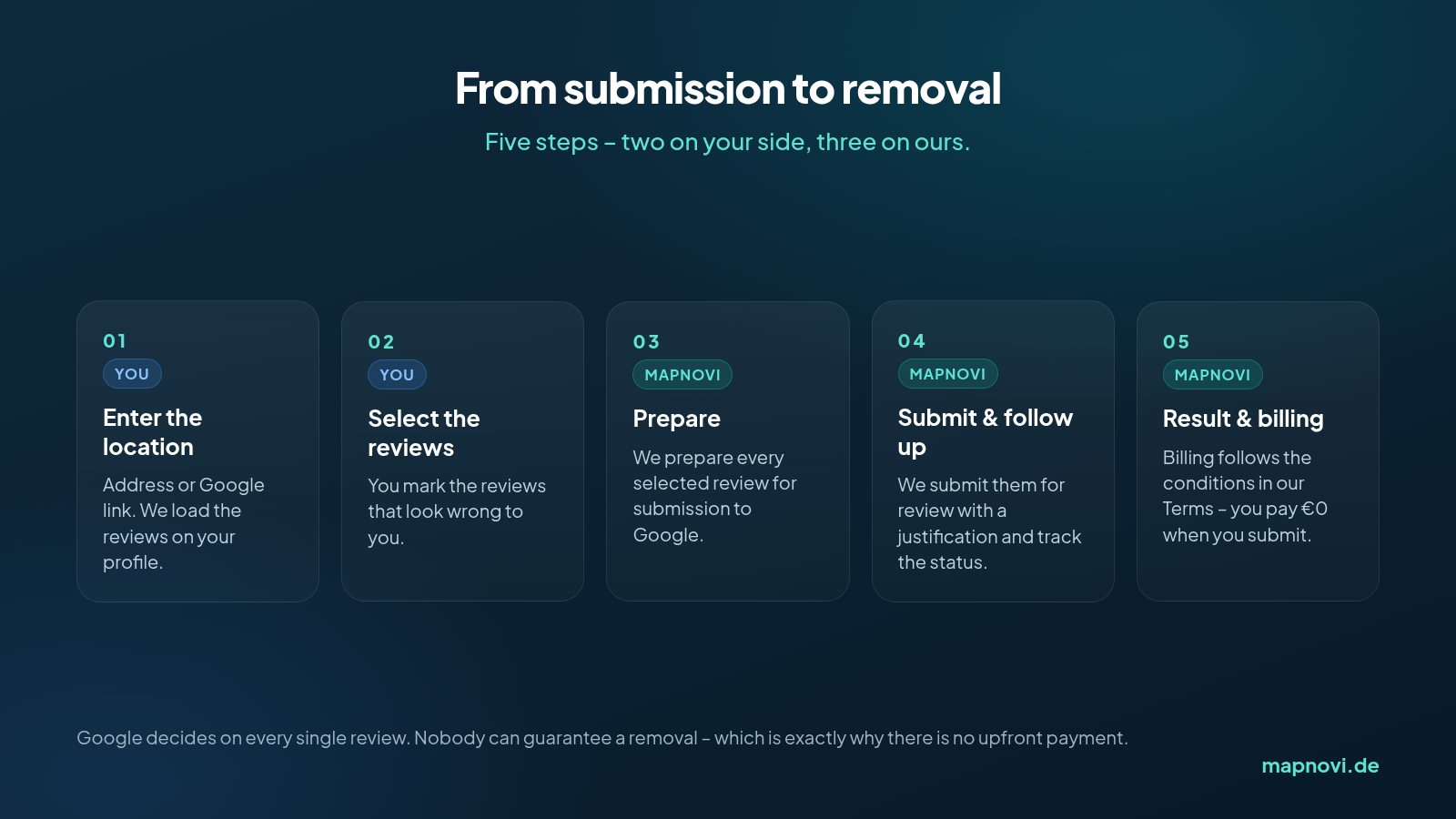
The process in five steps
Steps 1 and 2: location and selection
You enter the address or the Google link of your location. The reviews on your profile are loaded and you mark the ones that look wrong to you – individually, not in bulk. That selection is deliberately your decision: nobody knows your business and your customers better than you do.
If you are unsure which reviews even qualify, Spotting fake reviews helps with the classification.
Steps 3 and 4: preparation and submission
From here we take over. Every selected review is prepared for submission and sent to Google for review with a justification. After that the case is followed up – not every case goes through on the first attempt, and that persistence is exactly the part that gets dropped in a normal working week.
You can see the status at any time. Affected reviews are usually gone within 12 to 24 hours; individual cases take longer.
What can be removed – and what cannot
Reviews that violate Google's policies can be removed. Typical cases:
- Reviews from competitors or former employees (conflict of interest)
- Reviews from people who were never customers
- Insults, threats, hate speech
- Content unrelated to the business, or about the wrong location
- Spam, bought reviews or duplicate reviews
What cannot be removed: genuine criticism, subjective opinions (“too expensive”, “too loud”) and accounts of real mistakes – not even when they are harshly worded. For those, a good reply is the more effective tool; there are templates in the guide to negative Google reviews.
Step 5: €0 when you submit
You can submit your order without any upfront payment: no sign-up fee, no base fee, no minimum term. Billing afterwards follows the conditions set out in our Terms – the pricing model with its volume tiers per review is on the pricing page.
We do not give an assessment of the chances of success in an individual case. Google alone decides on each review.
Common questions
- How long does it take? Usually 12 to 24 hours after submission, occasionally longer.
- I have already replied publicly – does that still work? Only if the reply is deleted first. Reviews with an owner reply cannot be processed.
- Is there a guarantee? No. The decision is Google's.
- Does the reviewer see that I did something? No, the person who wrote the review is not notified.
- What if new reviews appear? Then you submit those the same way. In parallel it pays to stabilise the average with genuine reviews – how to do that is in How to improve your rating on Google Maps.
For agencies: the same process, a different angle
If you look after several locations for clients, the same process runs through the partner portal – with an order history, a status overview, an API and one collected invoice per month. The details are in The Mapnovi partner portal.
Enter the location, select the reviews, have them submitted – you will see the rest on the profile.
Have your location checked now
Cover photo: Jernej Furman, CC BY 2.0